


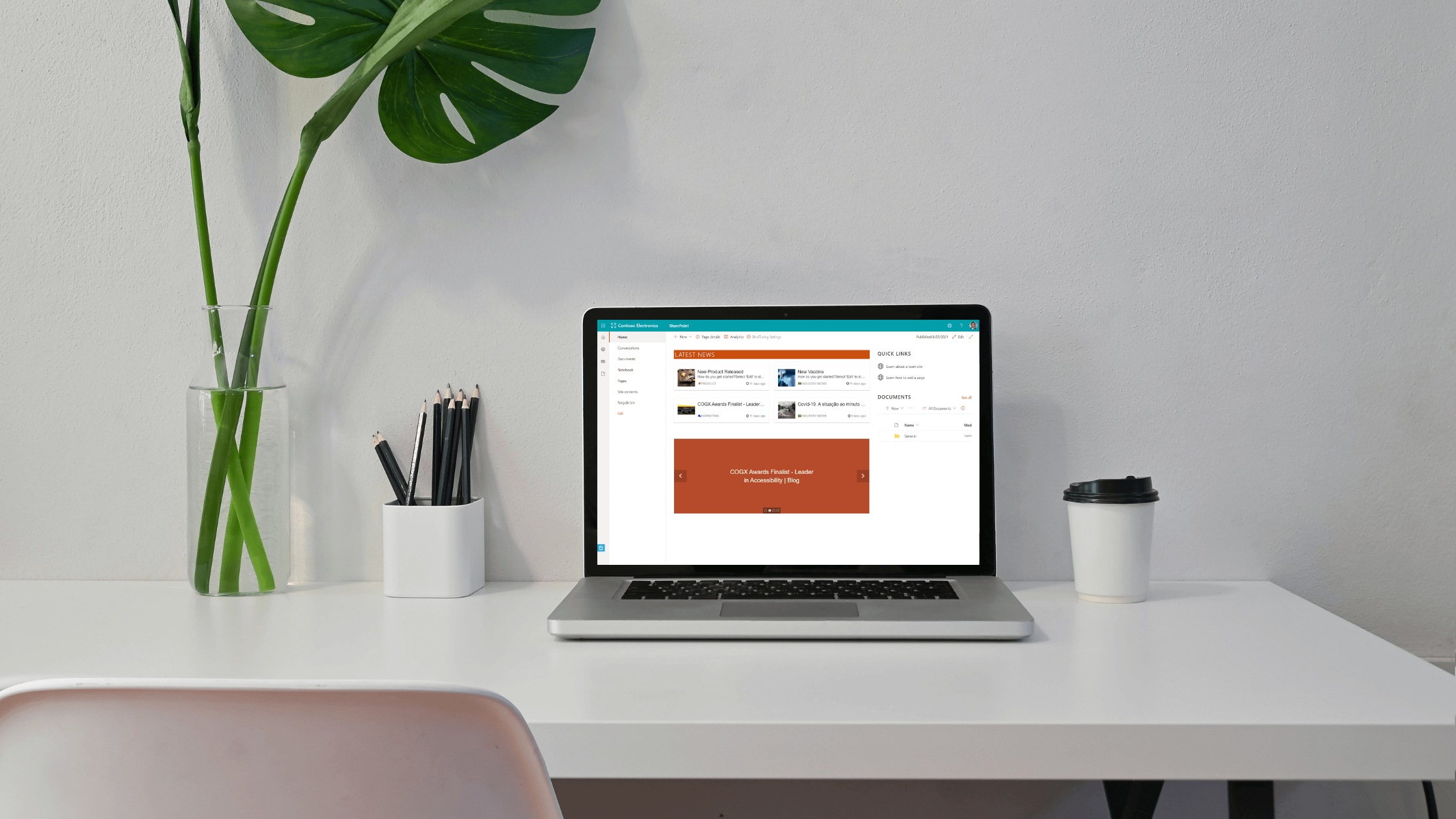

Communicating company news to the right audience is critically important, providing context and relevant information your users need. Take SharePoint news to a new level with a simple way to add color coding and icons to news categories with the BindTuning News web part, included in BindTuning Build. Follow along as we show you how.
Improving on SharePoint news web part
The modern SharePoint experience has improved dramatically yet there are some things that remain tricky and that’s where we focus the bulk of our development. Our products enhance what is available out-of-the-box with functionality that is overlooked or too often requires extensive coding skills. Who hasn’t built a page in SharePoint only to be frustrated by a seemingly simple (and critical) detail? One such example is color coded categorization of news in out-of-the-box SharePoint.
The out-of-the-box SharePoint news web part while simple to use, does not easily allow for the creation of color coded categories. Adding colors and icons to your corporate, product, departmental and industry news is as easy as opening the category settings panel on the BindTuning News web part. Francisca Peixoto , our Customer and Partner Success Manager shows you how to target news to your audience with the simple addition of the BindTuning News web part.
News categorization made easy

An important aspect to keep in mind when creating any kind of news policy or strategy is that employees look for news primarily by topic, not by channel or date. News categorization is therefore critical when building a system capable of guiding decision-making and time management, supporting better information architecture and smart management of resources. It also allows news editors or content managers to target news depending on the audience and its topics of interest. Keep reading...
Stay BindTuned
Check out our knowledge base, or better yet chat with us - we can offer advice, give you a demo or send you more information. We are committed to your success and to assist you get the most out of BindTuning products. Keep building those workspaces!