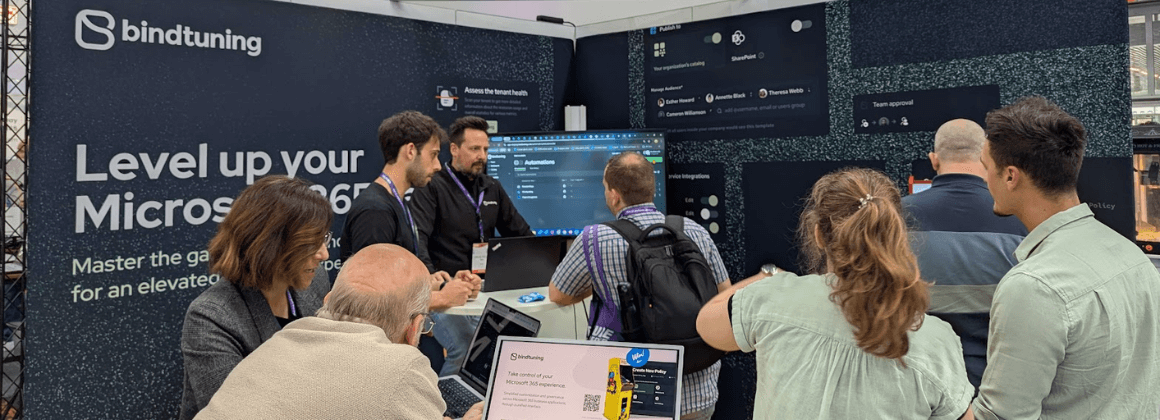





Join us at SharePoint Saturday London! Connect with the BindTuning team and learn about our latest solutions for SharePoint and Office 365.
About BindTuning
BindTuning is the leading platform for building connected and engaging workplaces in Microsoft SharePoint and Office 365. Since 2011, BindTuning has been helping clients empower employees, drive engagement and boost collaboration in SharePoint and Office 365. Over 20,000 customers, in more than 50 countries rely on BindTuning award-winning software.
About SharePoint Saturday London
Join SharePoint architects, developers, and other professionals for the fourth annual SharePoint Saturday event in London.
SharePoint Saturday is an educational, informative & lively FREE one-day conference filled with sessions from respected SharePoint professionals and MVPs, covering a wide variety of SharePoint-oriented topics. SharePoint Saturday is open to the public and is your local chance to immerse yourself in SharePoint!
Registration is open now!
Who should attend?
SharePoint Saturday is open to the public! Site Collection Administrators, End Users, Server Administrators, Architects, Designers, Developers, Project Managers, Business Analysts, or anyone interested in learning more about SharePoint are encouraged to attend.
Join the conversation on Twitter at @bindskins or @sps_london.