




Why employees still don't use your intranet — and what Microsoft's Brand Center, AI, and a few missing pieces can do about it.
I was at the MVP Summit in Seattle last month. Unexpectedly, intranet adoption was a recurring topic in many conversations. Not by itself, but over what AI is doing to the adoption question.
I've been working with SharePoint since 2001. I've watched the intranet problem get reframed about a dozen times. But what I heard in Seattle felt different. The conversation has finally moved past "how do we get people to use it" and landed somewhere more useful: "why would they?"
That's the right question. And in 2026, the answer has more layers than it used to.
Copilot doesn't fix a broken intranet.
Microsoft Copilot surfaces information based on what exists and who can access it. When your intranet is well-structured, consistently branded, and governed properly — Copilot becomes genuinely powerful on top of it. When it's fragmented, inconsistently built, and full of stale content — Copilot just surfaces the mess more efficiently.
This is why I keep saying that intranet adoption in 2026 is a governance conversation as much as a communications one. It starts before an employee ever loads a page. It starts with how the environment is built.
Microsoft gave us the Brand Center
The SharePoint Brand Center is one of the more significant things Microsoft has shipped for SharePoint in a while. A central place to manage your organization's brand assets — custom fonts, approved color palettes, logos, photography, and Office templates — stored in a single Organization Asset Library and made accessible across M365.
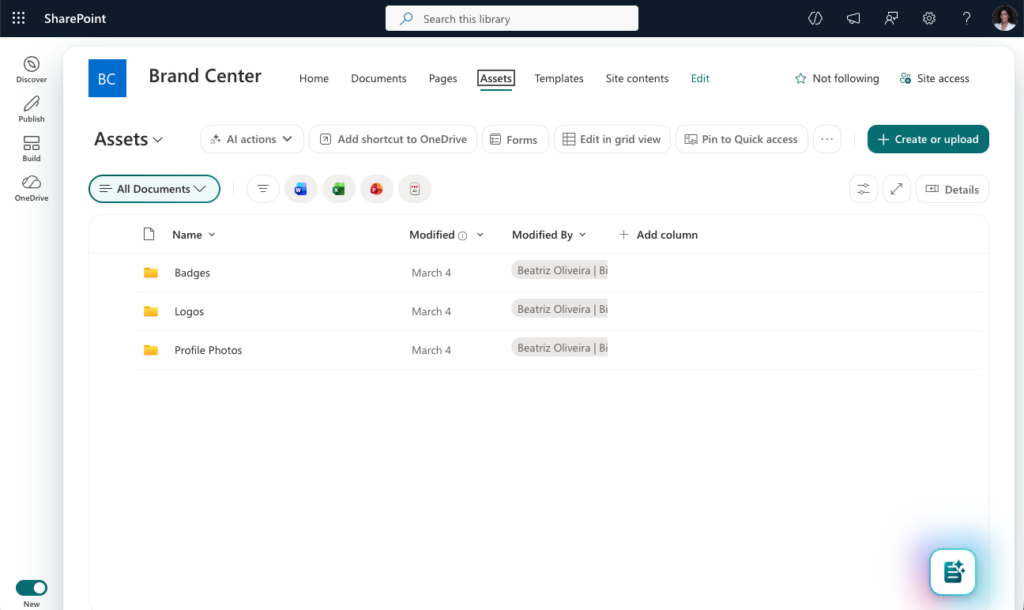
For communications teams, this is genuinely useful. Approved PowerPoint and Word templates appear under "Your Organization" in desktop apps and in PowerPoint online. Brand imagery is now available directly inside PowerPoint. Custom fonts flow through to SharePoint and Viva Connections. One source of truth for your brand assets, available to everyone — without chasing the right logo or circulating last year's slide deck by email.
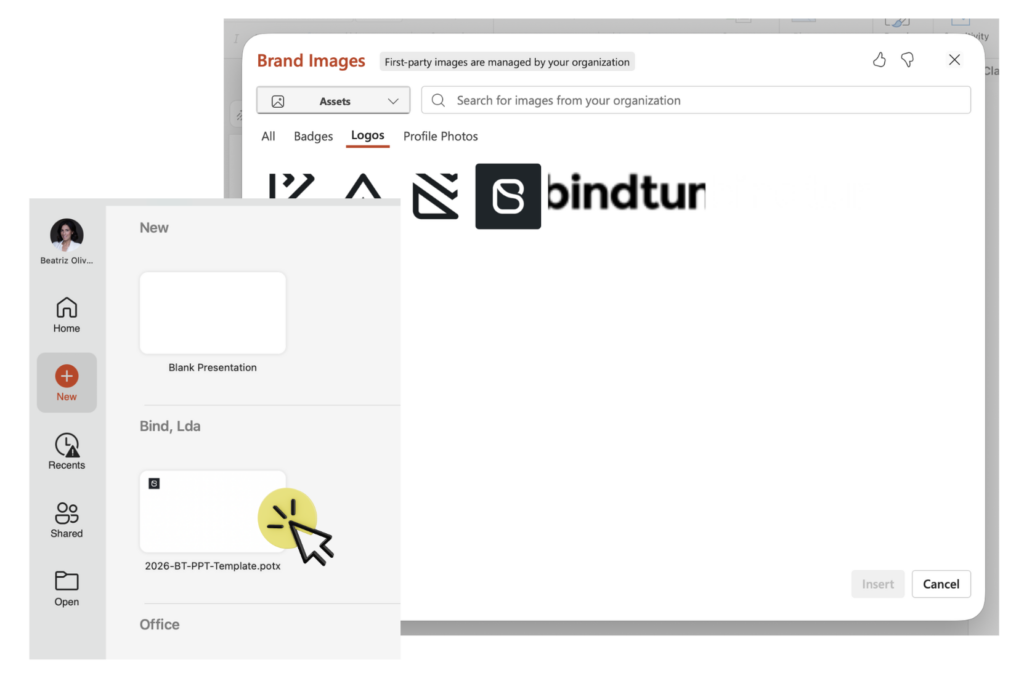
Setting it up is actually two jobs: creating the Brand Center site, and configuring the Organization Asset Libraries behind it. Miss the second step and your assets don't flow through properly. Both require manual work from a Global Administrator, and the steps vary depending on your tenant.
We built the Brand Center template that does both at once, and provisions a fully configured Brand Center site automatically. Smart enough to check what's already in place before making any changes. No configuration headaches, ready in minutes.
👉 Set up your Brand Center automatically →
But the Brand Center doesn't brand your SharePoint sites
Here's the distinction that catches most organizations off guard: the Brand Center manages assets. It doesn't enforce branding.
SharePoint does offer site templates — and the newer ones do include branding. But it's still up to the site creator to choose them. An empty, unbranded site is always an option. Nobody stops you.
BindTuning works differently. Branding BindTuning Themes are defined by your brand team and made available in the context of Templates through a self-service catalog or a ticketing system — where each user only sees the pre-approved options for their role and department. No blank sites. No off-brand choices. New workspaces automatically get the right theme, the right structure, and the right hub association from the moment they're created.
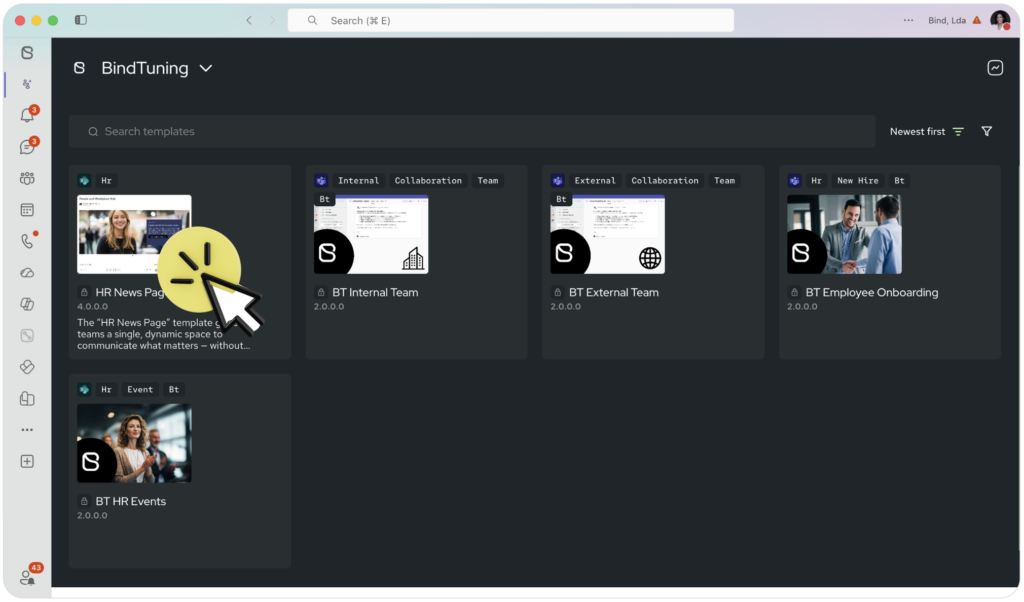
Brand Center and BindTuning work in conjunction. One makes your brand assets available across M365. The other ensures those assets — and nothing else — are what gets applied when a new workspace is created.
Adoption means everyone. Not just most people.
Many more employees live with color blindness, visual impairments, dyslexia, or mobility limitations that make standard SharePoint experiences genuinely difficult to use. An intranet with 80% adoption often means a slice of your workforce isn't reaching it at all.
Stefan Bauer recently highlighted this in a post that resonated widely in the SharePoint community: accessibility in the digital workplace is still an afterthought for most organizations, even as expectations rise.
BindTuning's Accessibility Tool gives each employee individual control over how they experience SharePoint pages. Eight color blindness modes, contrast settings, dyslexia-friendly fonts, keyboard navigation, screen reader support, animation controls — not one mode imposed by IT, but a personal profile each employee sets for themselves.
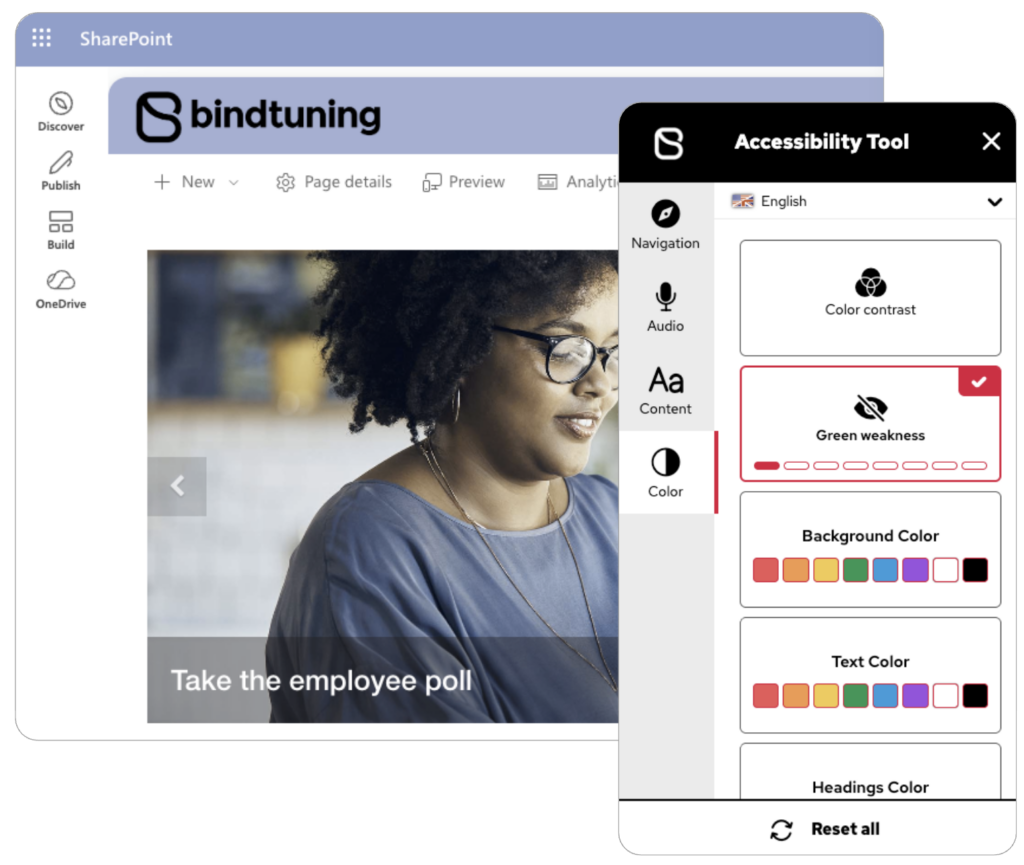
When every employee can actually use the intranet, your adoption numbers start reflecting reality. Until then, the gap between published content and reached employees stays invisible.
And then: how do you know if it's working?
This is the question I couldn't answer well for most of my career in this space. You could see page views. You could look at traffic. But a true picture of whether the intranet environment was healthy — adoption, governance, security, all together — didn't really exist.
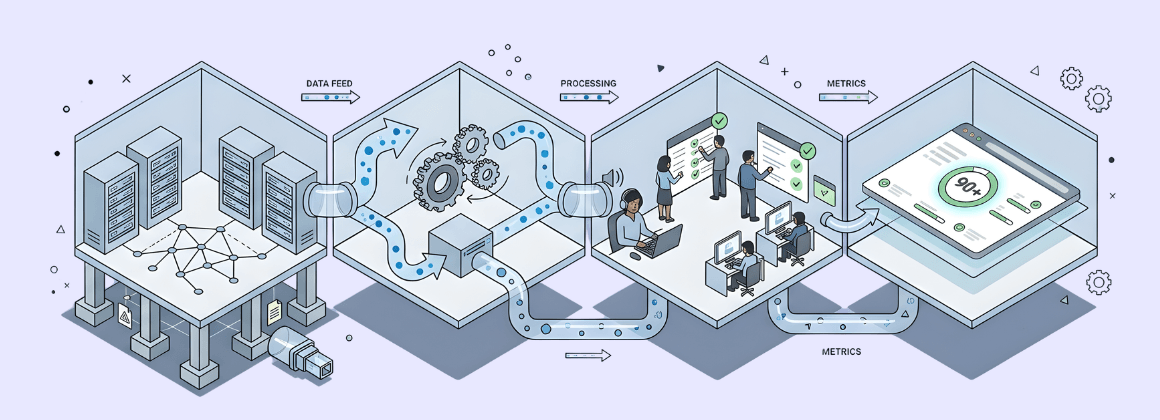
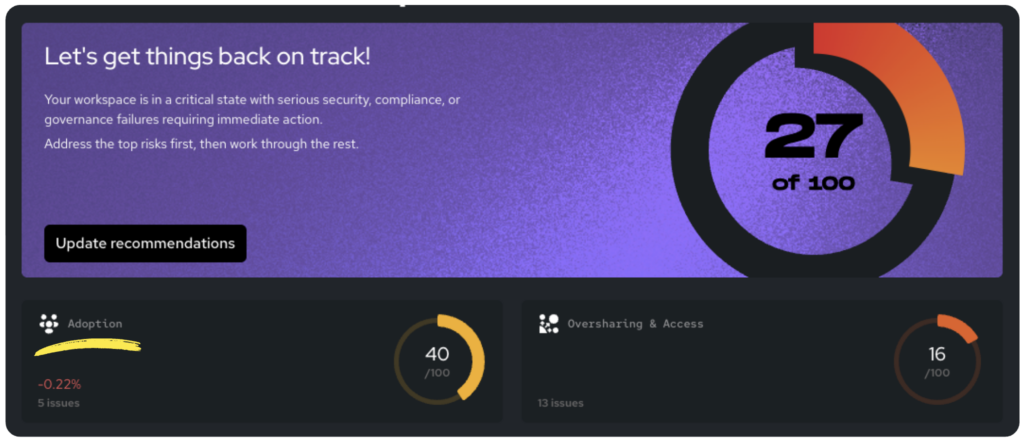
The Integrity Score is our answer to that. A single measure of workspace health across your tenant, covering governance, security, and intranet adoption as dimensions of the same picture. We're measuring across 40 metrics now, expanding toward 100 in the coming months with dedicated sub-scores for each dimension.
It's the number I wish I'd had access to years ago.
The full picture
Intranet adoption isn't one problem. It's a stack — and each layer has to hold for the others to work.
The Brand Center gives your organization a single source of truth for brand assets, accessible across M365. Automate365 provisions it automatically and ensures every new workspace starts with the right theme, structure, and hub association — with no off-brand options in sight. BindTuning Themes enforce visual consistency at site, hub, or tenant level. The Accessibility Tool ensures the intranet actually works for every employee, not just most of them. And the Integrity Score in Pulse365 tells you whether all of it is holding over time.
Each piece solves a real part of the problem. Together, they describe what an intranet that earns adoption actually looks like.